Is BCeph really free?+
Yes — BCeph is free during the beta. No subscription, no credit card, and no account is required to start tracing.
Which cephalometric analyses does BCeph include?+
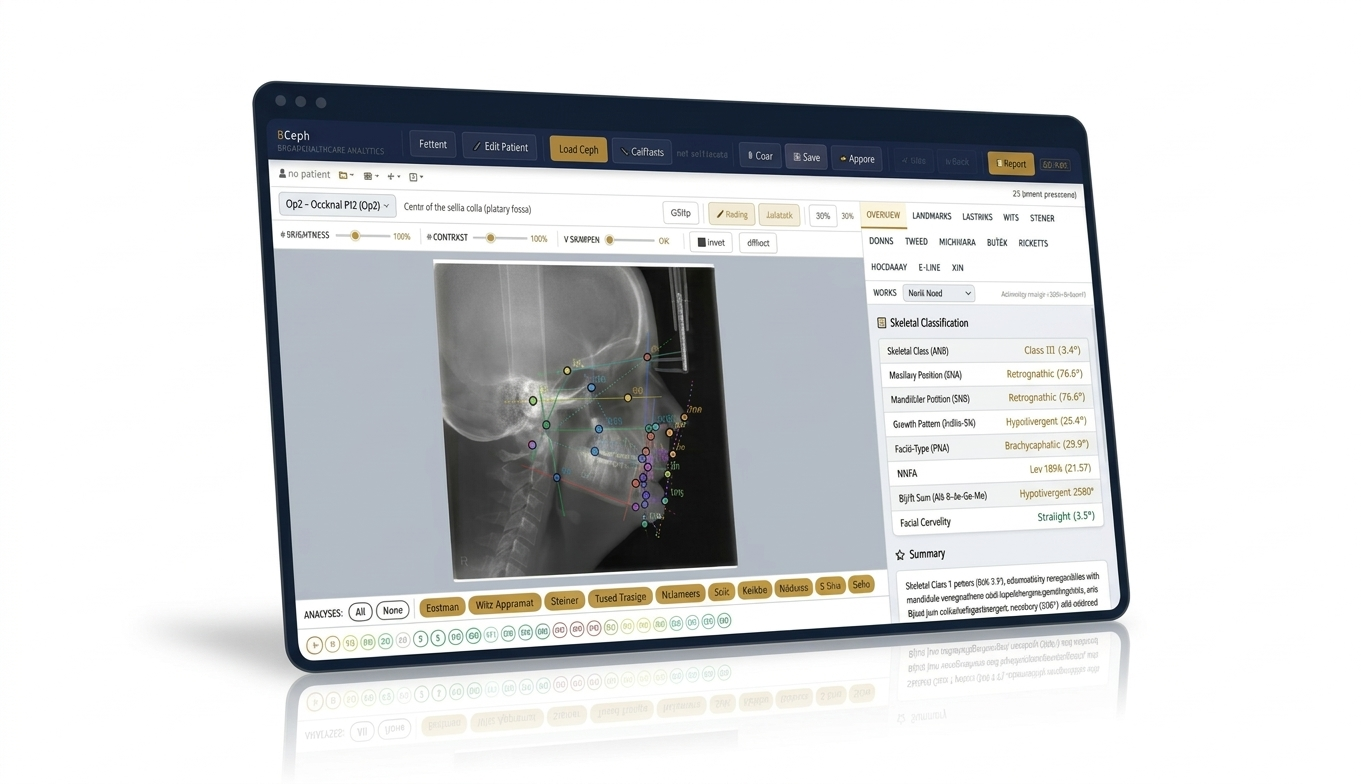
BCeph includes 14 analyses: Steiner, Ricketts, McNamara, Downs, Tweed Triangle, Björk-Jarabak, Wits Appraisal, Eastman, Holdaway Soft Tissue, E-Line, Kim (ODI/APDI), ABO, Nagasaki University, and Radney — all computed instantly from a single tracing.
Do I need to install anything or create an account?+
No. BCeph runs entirely in your web browser — no downloads or plugins. An optional Google sign-in exists only for cloud sync; everything else works without an account.
Where is my patient data stored?+
Locally in your browser, using localStorage and IndexedDB. Your data leaves your device only if you enable optional cloud sync. You can export a full JSON backup or delete your data at any time — see the
privacy policy.
How do I calibrate measurements in millimetres?+
Use two-point calibration: click two points a known distance apart on the radiograph's ruler and enter that distance. Linear measurements such as the Wits appraisal and McNamara lengths then report true millimetres.
Does BCeph place landmarks automatically with AI?+
No — landmarks are placed manually by the clinician, by design, so every point is verified by you. Zoom, nudge, and undo/redo make placement fast.
What can I export from BCeph?+
A print-ready clinical PDF report with normative charts and a cephalogram snapshot, a CSV of all measurements, and a full JSON backup of your patient database that can be restored anytime.
Does BCeph work on tablets or phones?+
BCeph runs in any modern browser. A desktop or laptop with a mouse or stylus is recommended for precise landmark placement; tablets work well for reviewing cases and reports.